
How To Get Free and Low-Cost Internet
What internet providers offer free internet for your home? Browse free internet options for students, seniors, or low income households.
Read moreOver 7,000,000 people use our free tool every year to search 1,600+ internet providers across the US.
Featured on


















Our comprehensive database of internet providers shows you the best internet options available in your zip code. Need help choosing? Our staff of internet experts has done the hard work of researching and reviewing providers so you can make an easy decision.

Experiencing spotty Wi-Fi or frustrating slowdowns with your internet connection? We can help you figure out what’s holding you back—and how to get the best performance out of your internet.

Fiber, cable, DSL, satellite… There are so many types of internet to choose from. Our team of internet experts can help you understand your options so you know what kind of internet to choose for your life—and what to avoid.
Get the speed you need to keep your life running smoothly. Whether you need to upgrade your connection or tips on how to speed up the internet you already have, we have you covered.
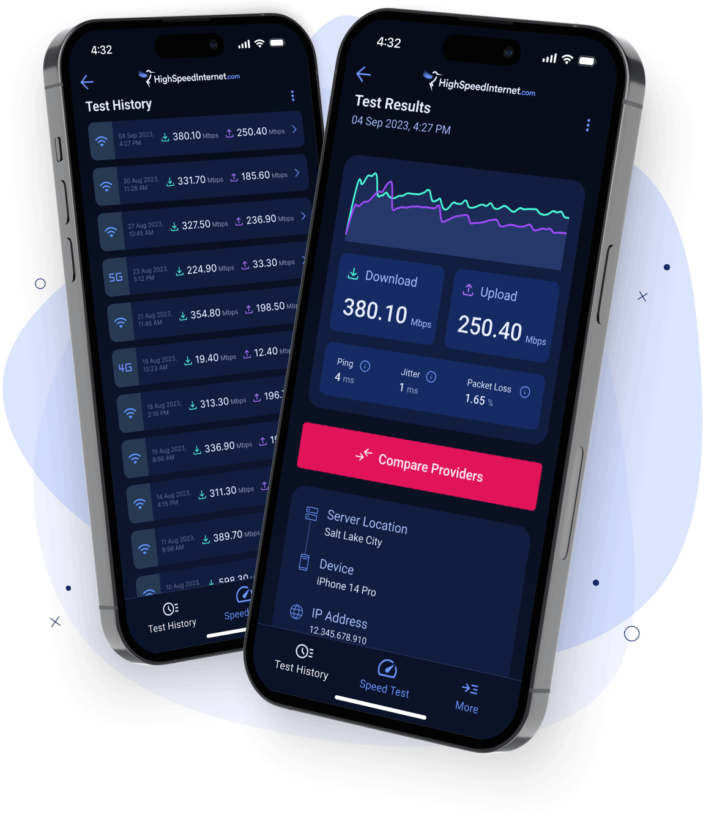
With our speed test app, you’re one tap away from seeing the exact internet speed you’re receiving, wherever you are.



How To Get Free and Low-Cost Internet
What internet providers offer free internet for your home? Browse free internet options for students, seniors, or low income households.
Read more
Best Unlimited Hotspot Plans of 2024
Unlimited hotspot data is hard to find—here are your best options.
Read more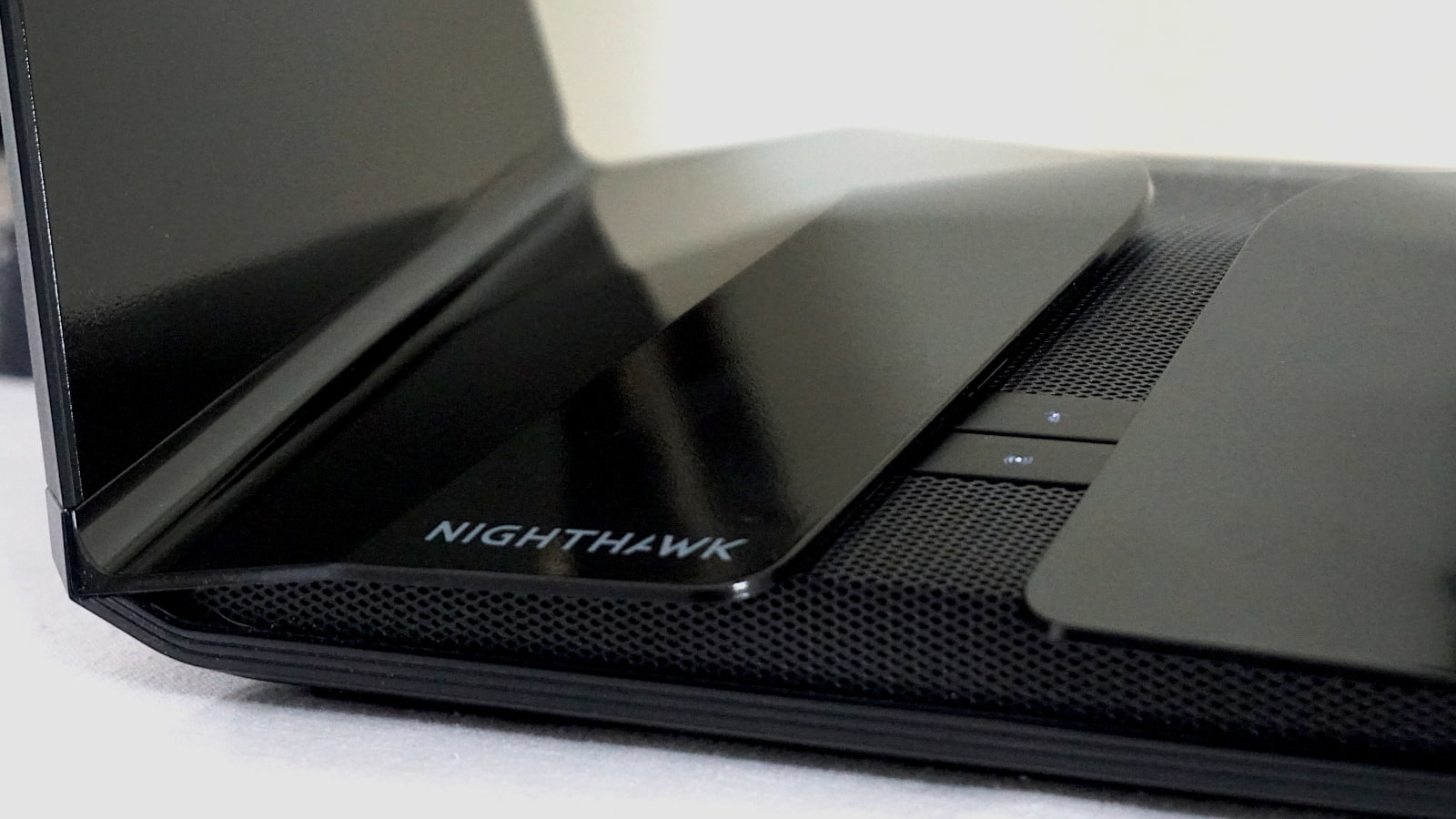
Best Long-Range Routers for Extended Wi-Fi 2024
We dodged traffic and stood across the street to see which router delivered good speeds.
Read moreRead our proprietary reports, data analysis, and statistics about all things internet.

State of the Internet in 2023: As Internet Speeds Rise, People Are More Online

DSL

Cable

Fiber

Satellite

Wireless

Run our internet speed test to find out exactly how your internet is performing.

Take a quiz to determine which internet speeds are best for your home.

Enter your zip code to get local user reviews and internet options.
